Pouches within reach
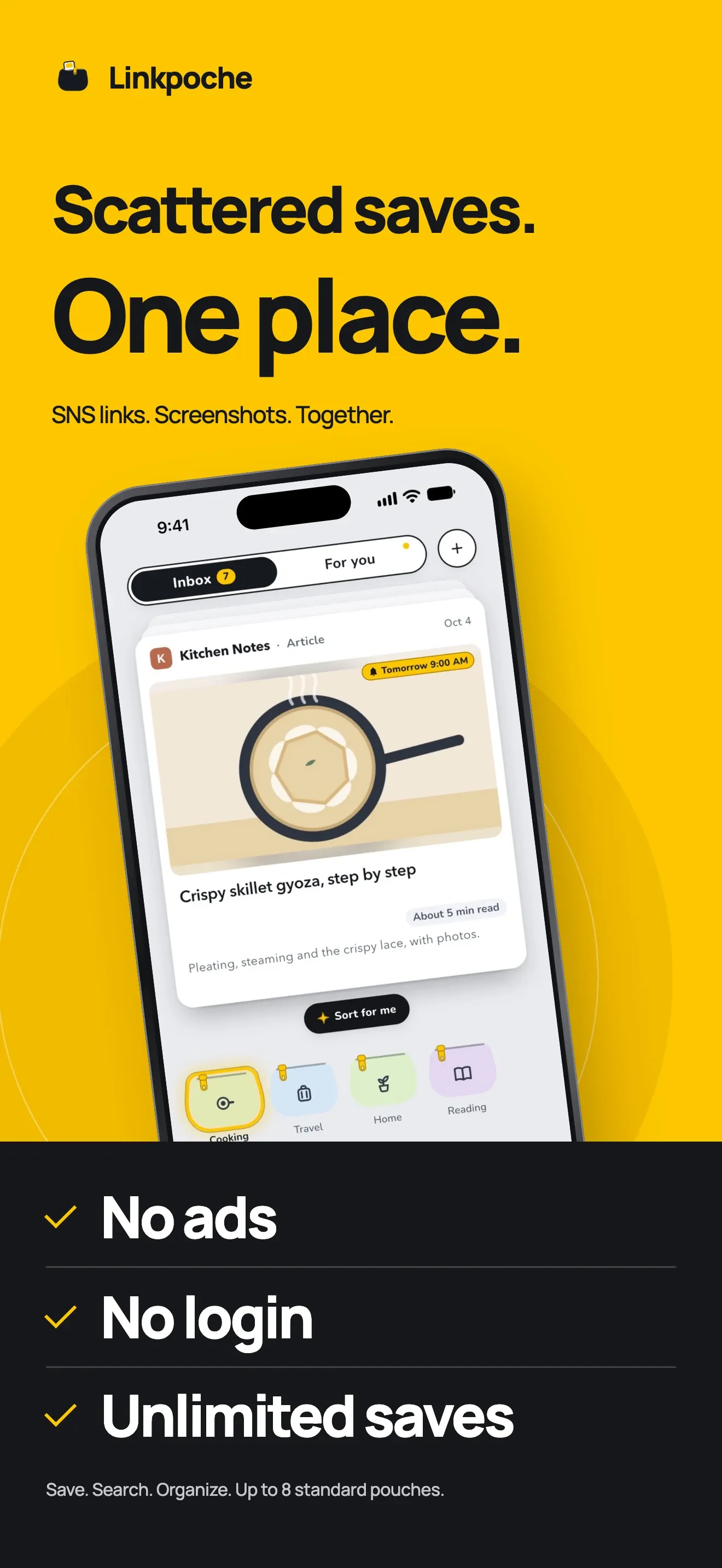
Make up to 8 pouches free. They sit along the bottom of the Inbox, four to a row, within reach of your thumb, and each can hold more pouches. Give each a name, a color, and an icon.
 Linkpoche
Read-later app for iPhone
For links and screenshots you mean to come back to: share them to Linkpoche from any app, then swipe each one into a pouch. Search, For you, and a widget bring them back.

01 Save
Tap Share in another app and choose Linkpoche. The link is saved, the share sheet closes, and you are back on the screen you came from. Screenshots go in the same way.
02 Sort
Flick the top link down, and the pouch it is aimed at lights up. Swipe left to delete, right for Read later. Try it on the cards below.
Drag the top card down into a pouch. Swipe left to delete, right for Read later.
03 Sort for me
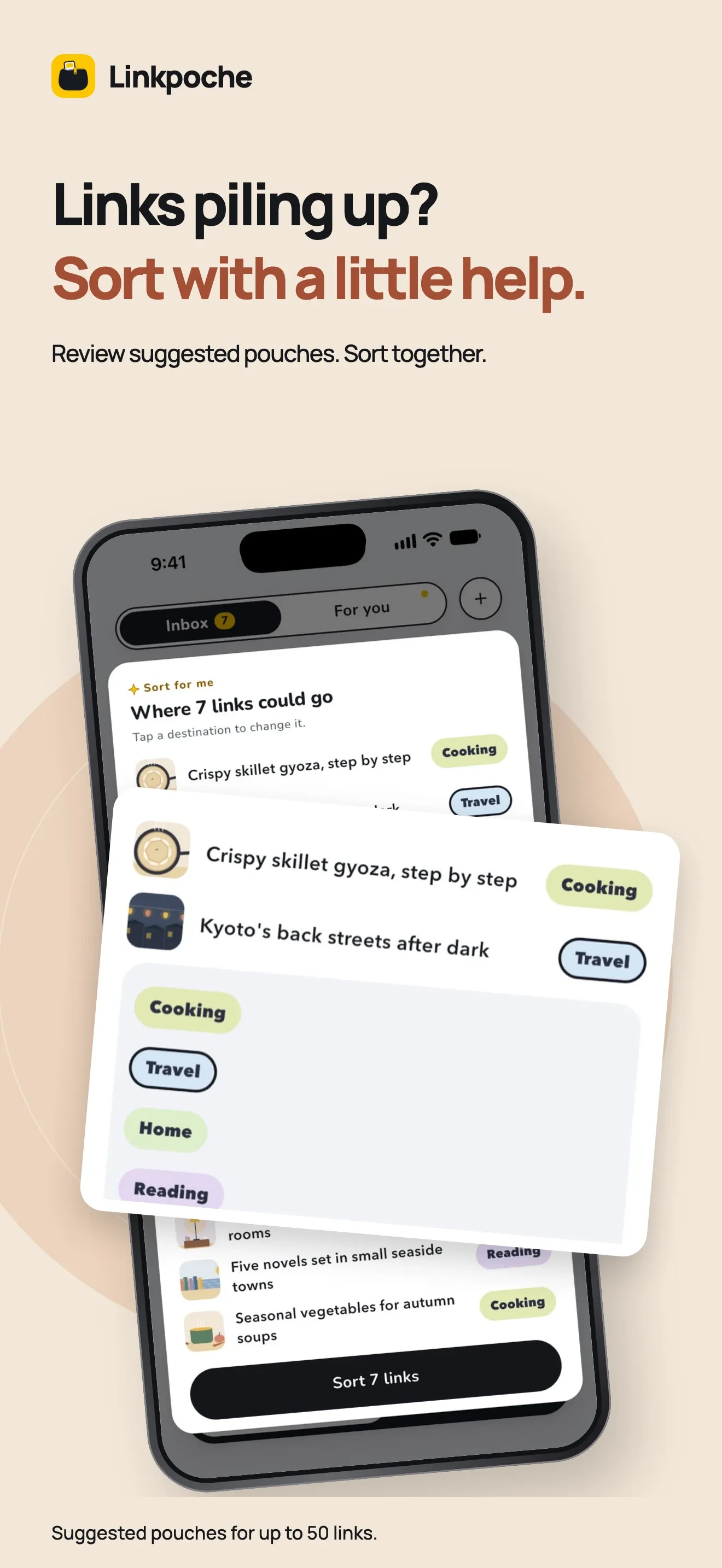
Sort for me suggests pouches for up to 50 links. Change any, then sort in one go. With Apple Intelligence on iPhone 15 Pro or later and iOS 26 or later, the suggestions come from the on-device model.
04 For you
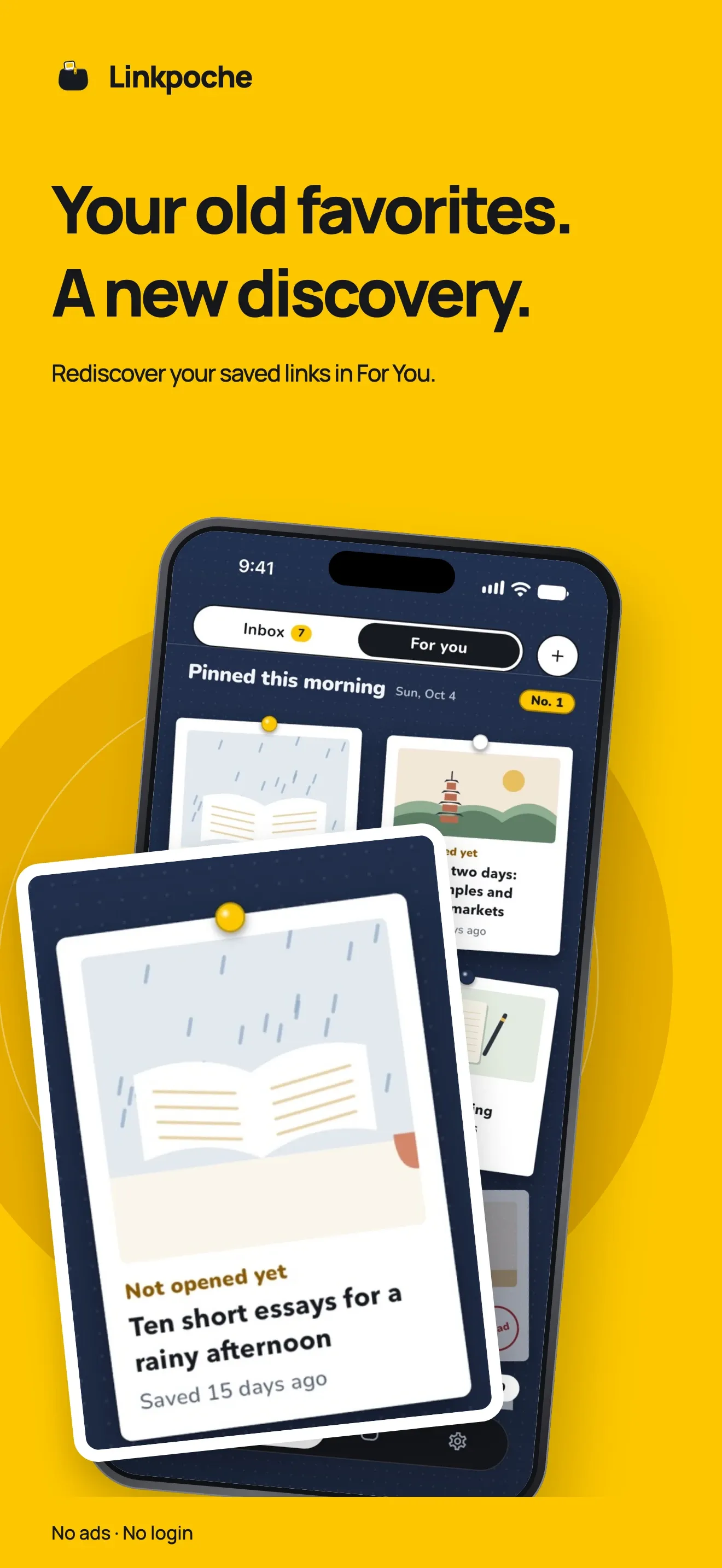
For you shows up to 10 links from your pouches each day, and they stay until the next day. The widget, on iOS 17 or later, shows them when your Inbox is empty.
Any app with a Share button can send a link to Linkpoche, and Photos can send screenshots. For posts and videos on X and YouTube, Linkpoche also asks that service's public embed endpoint.
Make up to 8 pouches free. They sit along the bottom of the Inbox, four to a row, within reach of your thumb, and each can hold more pouches. Give each a name, a color, and an icon.
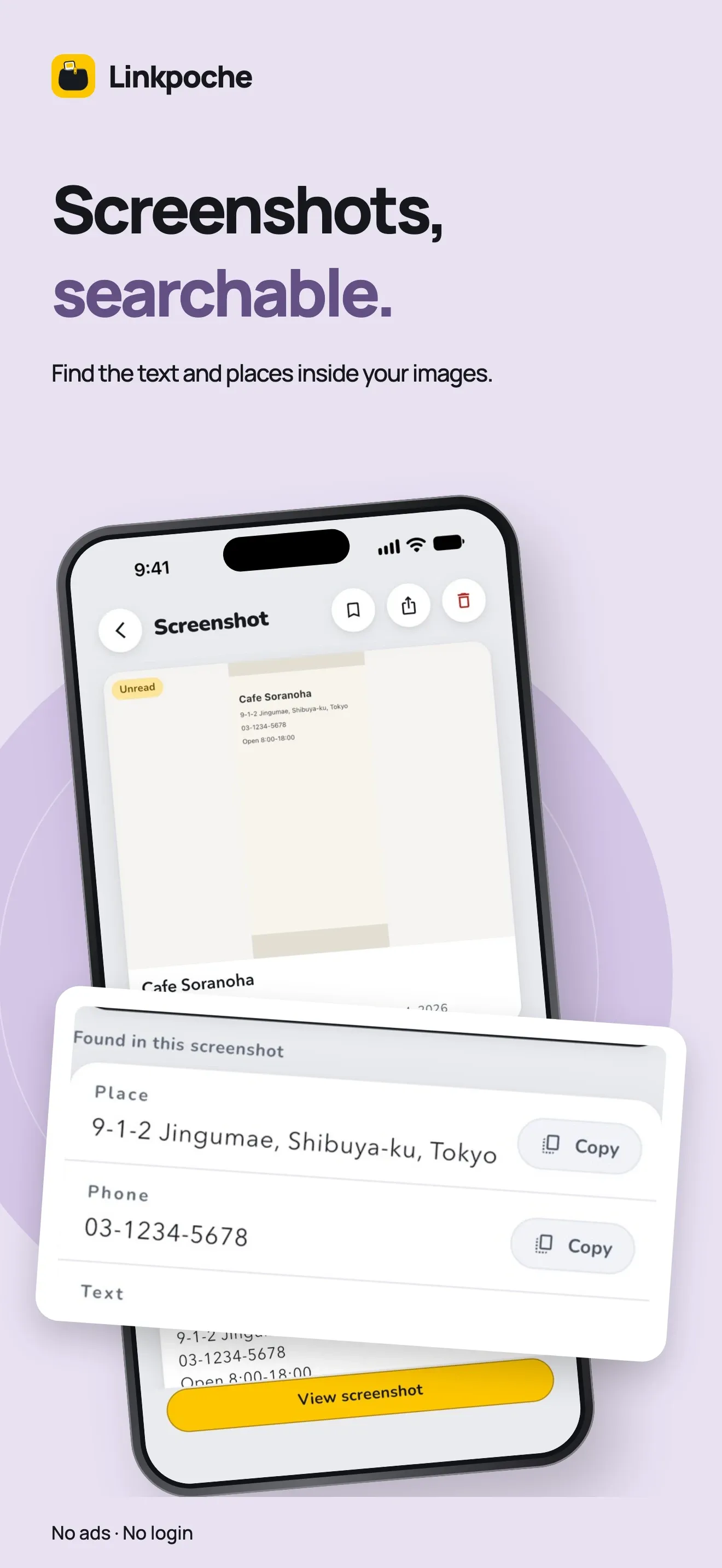
Share up to 10 screenshots at a time, or tap + on Home. Linkpoche reads text, QR codes, and web addresses on your iPhone, and saves the link it finds. Nothing is uploaded.
Search everything or one pouch, including text read from screenshots. On iOS 17 or later, search also finds links close in meaning. Filter by unread, read, or favorites, or sort by Recommended.
For you shows up to 10 links from your pouches each day. Set a one-time reminder on any link. The widget (iOS 17 or later) shows your Inbox, then today's picks.
Articles get a two- or three-sentence summary, marked AI summary. Light up where it goes makes the pouch that seems to fit glow, and Sort for me suggests pouches for up to 50 links. Summaries may not be accurate.
Optional, not a subscription. Lock or hide pouches, make up to 24, use every color and 12 patterns, put a photo or one of 16 new icons on a pouch, and repeat reminders on the days you choose.
The AI features need iPhone 15 Pro or later with iOS 26 or later and Apple Intelligence turned on, and they run on your iPhone. They also title screenshots and pick older links close to your recent saves for For you. On other iPhones, Light up where it goes and Sort for me suggest the pouch you used before for the same site.
There is no Linkpoche server and no account. Your links and screenshots are stored on your iPhone. The app has no analytics, no ads, and no tracking.
When you save a link, your iPhone fetches that page directly for its title, picture, description, icon, and article text. The text is used for the read time and summary, then discarded. For posts and videos on some services, such as X and YouTube, Linkpoche also asks that service's public embed endpoint. Those sites see the request, as they would from a browser.
Screenshots are read on your iPhone and not uploaded, and the AI features send nothing out. For searching by meaning, iOS may download language files from Apple. Buying or restoring Linkpoche Plus goes through Apple's App Store.

Linkpoche is free to download on the App Store for iPhone with iOS 16 or later. No account needed.